
There are two applications necessary to design and print 3D objects.
- 3D Design: If you want to make your own custom 3D models to print.
- Slicer: To slice a model into code that your printer can understand.
If everything you want is already on Thingiverse.com, you can skip the design software altogether and just download a slicer.
3D Design: AutoDesk Fusion 360
AutoDesk Fusion 360 is free for hobbyists. Else, it’s $495 per year.
Get it: https://www.autodesk.com/campaigns/fusion-360-for-hobbyists

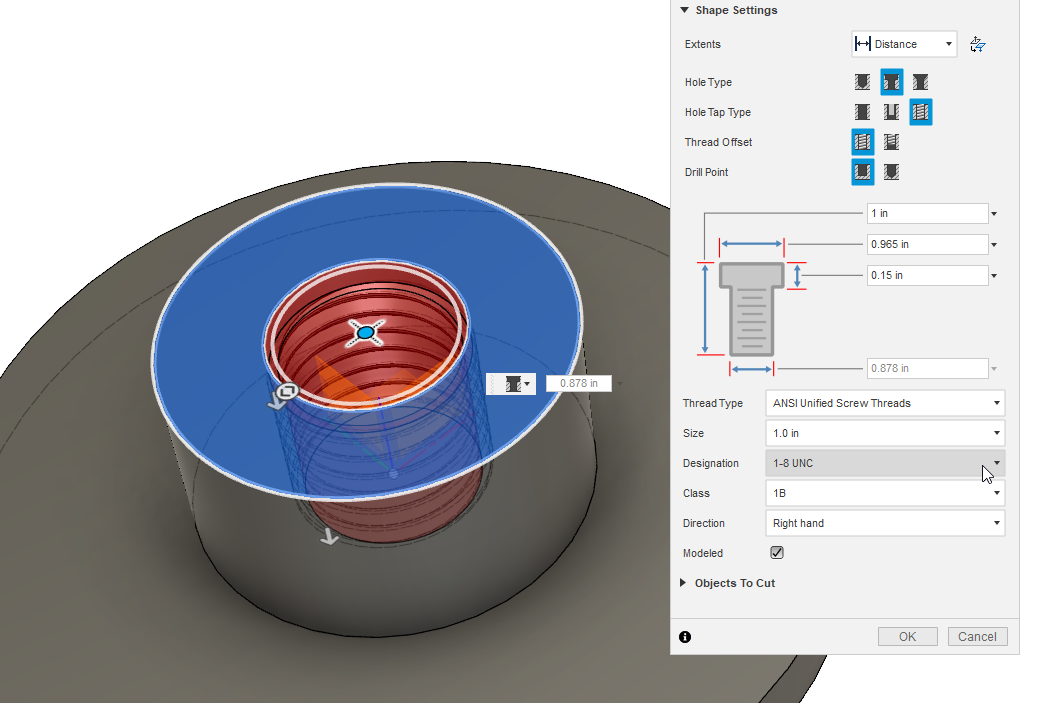
Learn AutoDesk Fusion 360:
- Download Fusion 360 for Hobbyists
- Set default units to millimeters
- Watch: 5 Tips for getting started in Fusion 360 (11 min)
- Watch: Fusion 360 in 30 days playlist
Slicing Software: Cura
Once you have a 3D model, you need to slice it. That means creating the G-Code instructions for the very dumb printer. Like. “Go here, then go there. Oh, now, go here. Over there now.”
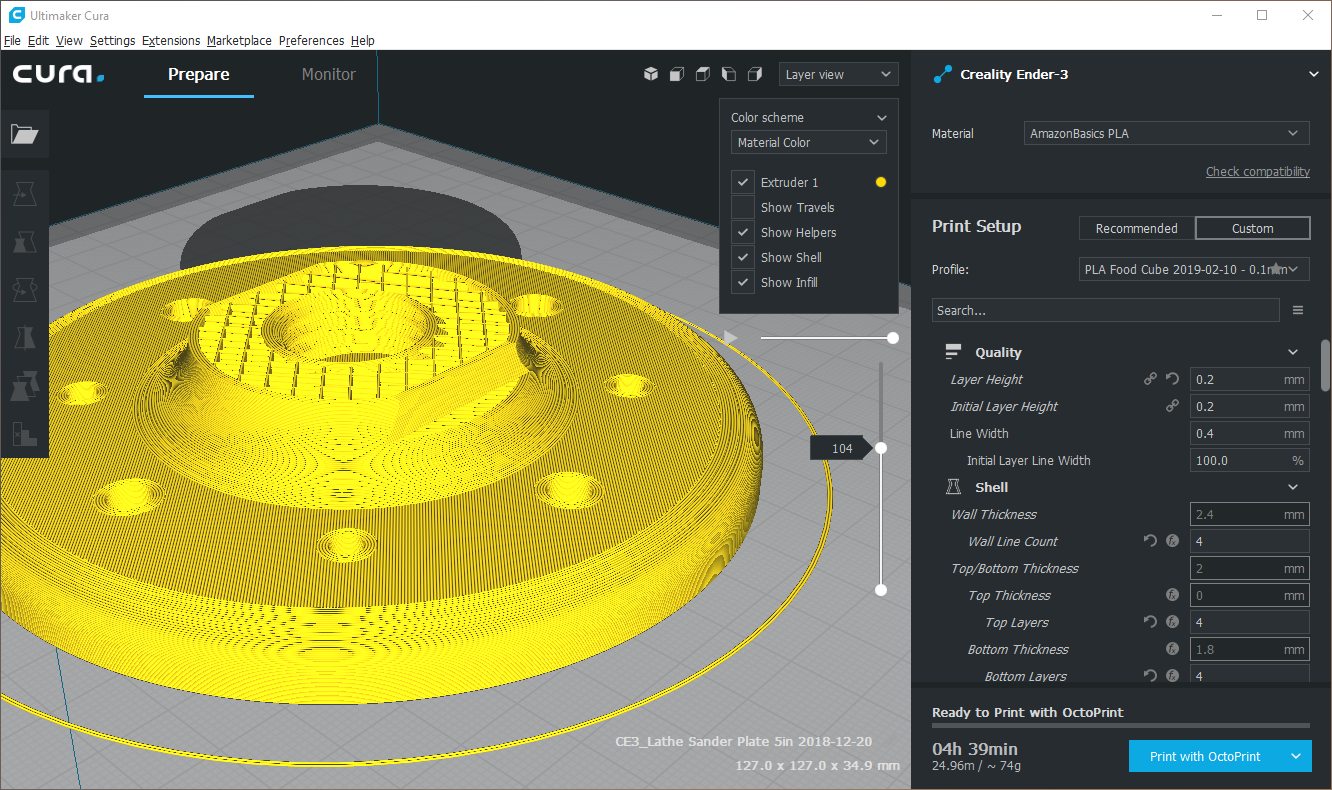
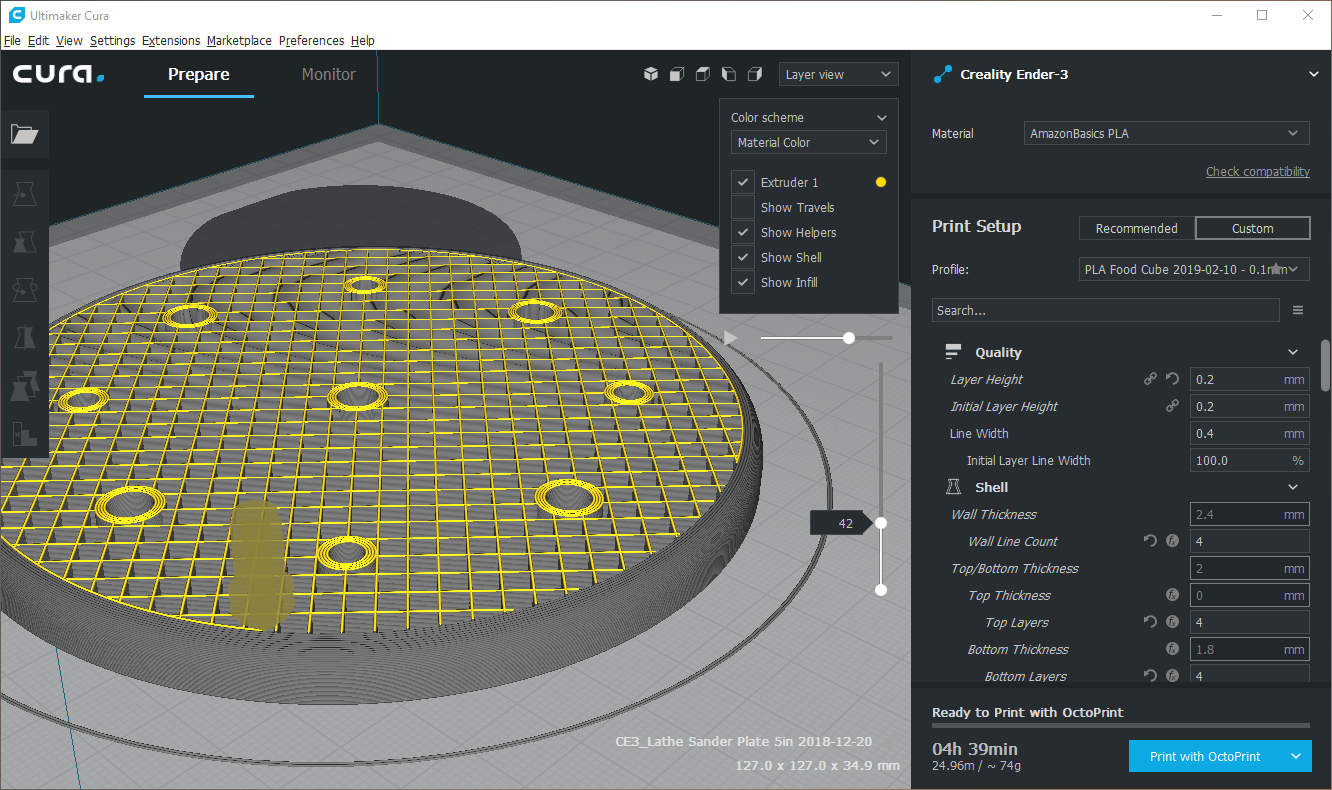
Install Cura and go through some sort of tutorial. Here’s a good guide by all3dp.
Can I use SketchUp?
For those of us who can quickly model in SketchUp, learning a new program may be undesirable.
Quick answer: Yes, you can use SketchUp (with the STL Exporter extension), but it will be well worth your time to learn AutoDesk Fusion 360 for the capability of doing parametric modeling.
…more on that later!